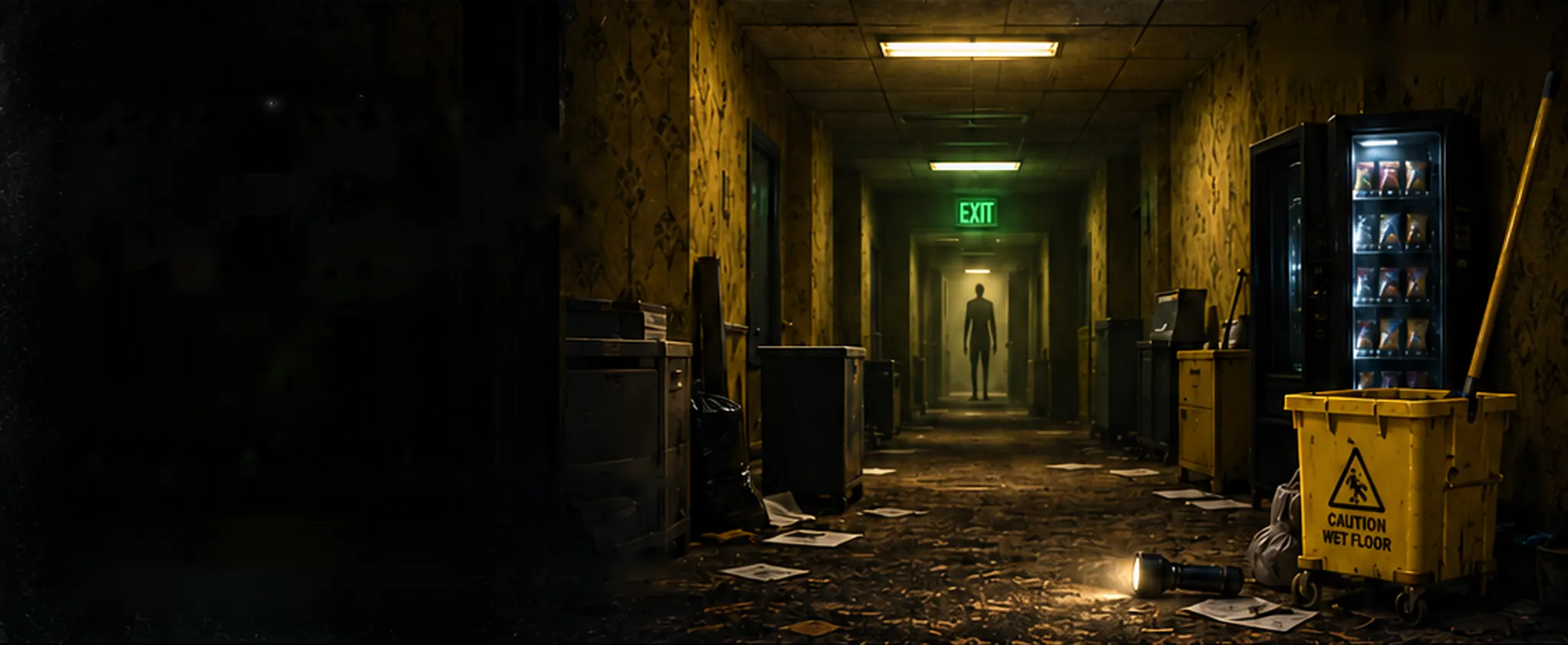
No-clip: Lost HYPERSMASHSTUDIOS

A game by Hypersmash Studios

No-clip: Lost

Clock in. Clean up. Find your way out.

The story

The shift
doesn't end.

The halls keep changing.
Supplies run low.
Every exit wants something different.

Somebody called in sick, so you picked up the extra shift. The building has a hundred levels, each with its own stack of floors, and none of them want you to clock out.

  • 100 levelsEach a stack of five to seven floors, laid out differently every run, with the exit hidden on one of them.
  • Co-opUp to three janitors in one shared building.
  • CamerasAnd a leaderboard, to see who got the deepest.
  • In the browserKeyboard and mouse, or a phone held sideways.
The floors

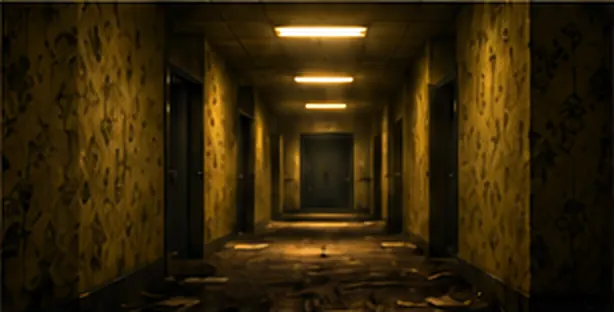
A long yellow-wallpapered hallway under flickering ceiling lights
The Yellow Rooms
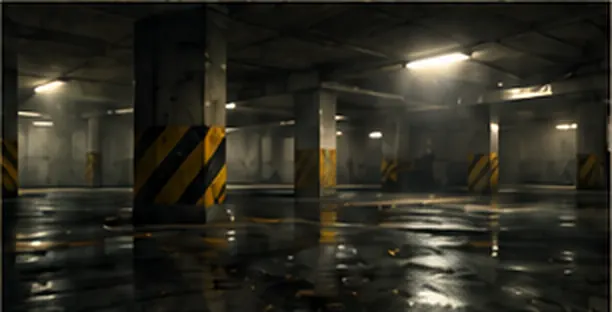
An empty underground car park with striped pillars and a wet floor
Concrete Parking
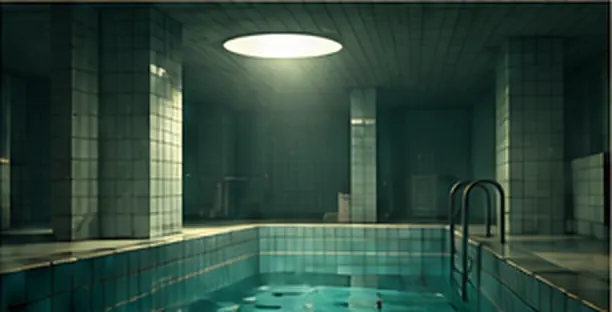
A tiled indoor pool lit by one round skylight
The Poolrooms

And seven more: Pipe Works, Cubicle Farm, Lights Out, Hotel Wing, Red Rooms, Server Hall and The Hollow.

Survival

Search & clean

Useful things hide in the mess.

Stay awake

Hunger and fatigue follow you.

Find the exit

Learn what each floor demands.

You aren't
always alone.

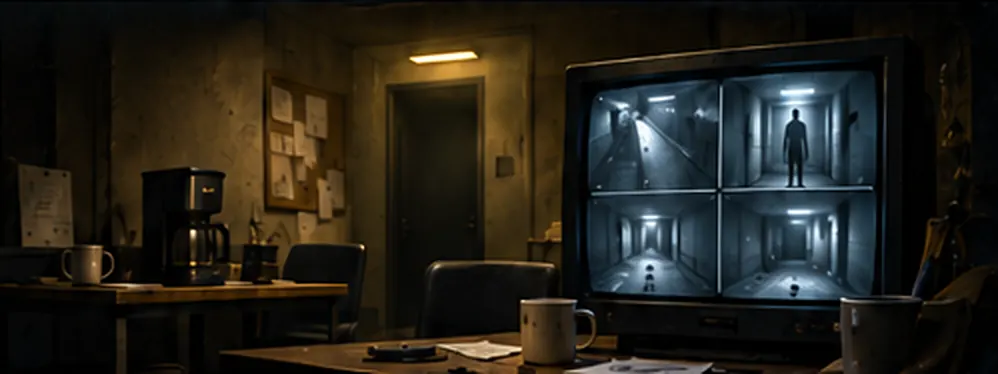
Watch the halls. Find your coworkers.

Co-op for up to three janitors, sharing one building.

Early Access · In development

Get No-clip: Lost

Planned Early Access price: $4.99, once. This is an unfinished game. Levels, mechanics, performance and locally saved progress may change during development.

  1. Your Hypersmash account

    Sign in, or make an account with a name of your choosing. That name is what your crew and the leaderboard see.

  2. Early Access copy

    Planned $4.99 once, through Stripe's secure checkout. The game is tied to your Hypersmash account, not just this browser. Checkout shows the final price and any applicable taxes.

    Access includes the current browser Early Access build and updates during Early Access. The game is actively changing; progress saved in this browser may be reset.

    Need help with a purchase? Request a refund or report a payment problem. Include your account name and approximate purchase date, but never card details.

  3. Turn on two-step sign-in Recommended

    Link an authenticator app (Google Authenticator, Microsoft Authenticator, Authy, 1Password and others) to your account, so nobody can sign in as you without your phone and the copy you paid for stays yours.

Play No-clip: Lost

Before you play

Photosensitivity warningThis game has flickering lights, flashes and pulsing red light. A very small number of people may have a seizure when exposed to some light patterns, even with no history of epilepsy. Stop playing and see a doctor if you feel dizzy, see things that aren't there, twitch, or lose awareness. The game's settings have a "Reduce flashing" option.

HorrorMonsters, jump scares, darkness, and injury without gore. Made for players 13 and older.

What you needA browser with WebGL 2 (current Chrome, Edge or Firefox, or Safari 15 and later) and graphics acceleration turned on. Your progress is saved in this browser.

Running slowly? Turn on graphics acceleration
  • Chrome, Edge, Brave, Opera: Settings → System → turn on Use graphics acceleration when available → Relaunch.
  • Firefox: Settings → General → Performance → untick Use recommended performance settings → tick Use hardware acceleration when available → restart.
  • Safari: uses the graphics card on its own; keep macOS up to date.
  • Check it worked: in Chrome or Edge, open chrome://gpu (or edge://gpu). Next to WebGL it should say “Hardware accelerated”. If it doesn't, update your graphics driver, and on Windows set your browser to “High performance” in Settings → System → Display → Graphics.